How to Create Your First Digital Printable to Share or Sell
Printables, like planners, checklists, art prints, and trackers, are a lovely entry point into digital products. They are inexpensive to make, simple to deliver, and endlessly useful. You can share them as a free gift that grows your email list, or sell them in your shop.
This guide walks through the whole process in order, from choosing an idea to packaging the file and writing a description that helps people say yes.
Step 1: Choose a small problem to solve
The best printables help someone do one specific thing: plan a week of meals, track a habit, or organize a move. Choose a clear purpose and write a one-sentence description of who it is for.
Where ideas come from
Before you design anything, search for similar printables. Look at what is missing or what could be simpler, prettier, or better organized. You are not copying. You are finding your own angle.
Step 2: Pick your format and size
| Format | Best for |
|---|---|
| US Letter and A4 | Most home printers and binders |
| Half Letter or A5 | Small planners and notebooks |
| Square or poster sizes | Art prints and wall art |
| Fillable PDF | Forms and worksheets completed on a screen |
Standard sizes make your printable easy to use. Consider offering both US Letter and A4 versions to serve readers around the world.
Step 3: Design with the printer in mind
Choose your tool
Canva is beginner-friendly and has free options. If you already use Illustrator, Affinity, or Procreate, use whichever you know best. The tool matters less than the layout.
Layout principles
Colors and fonts
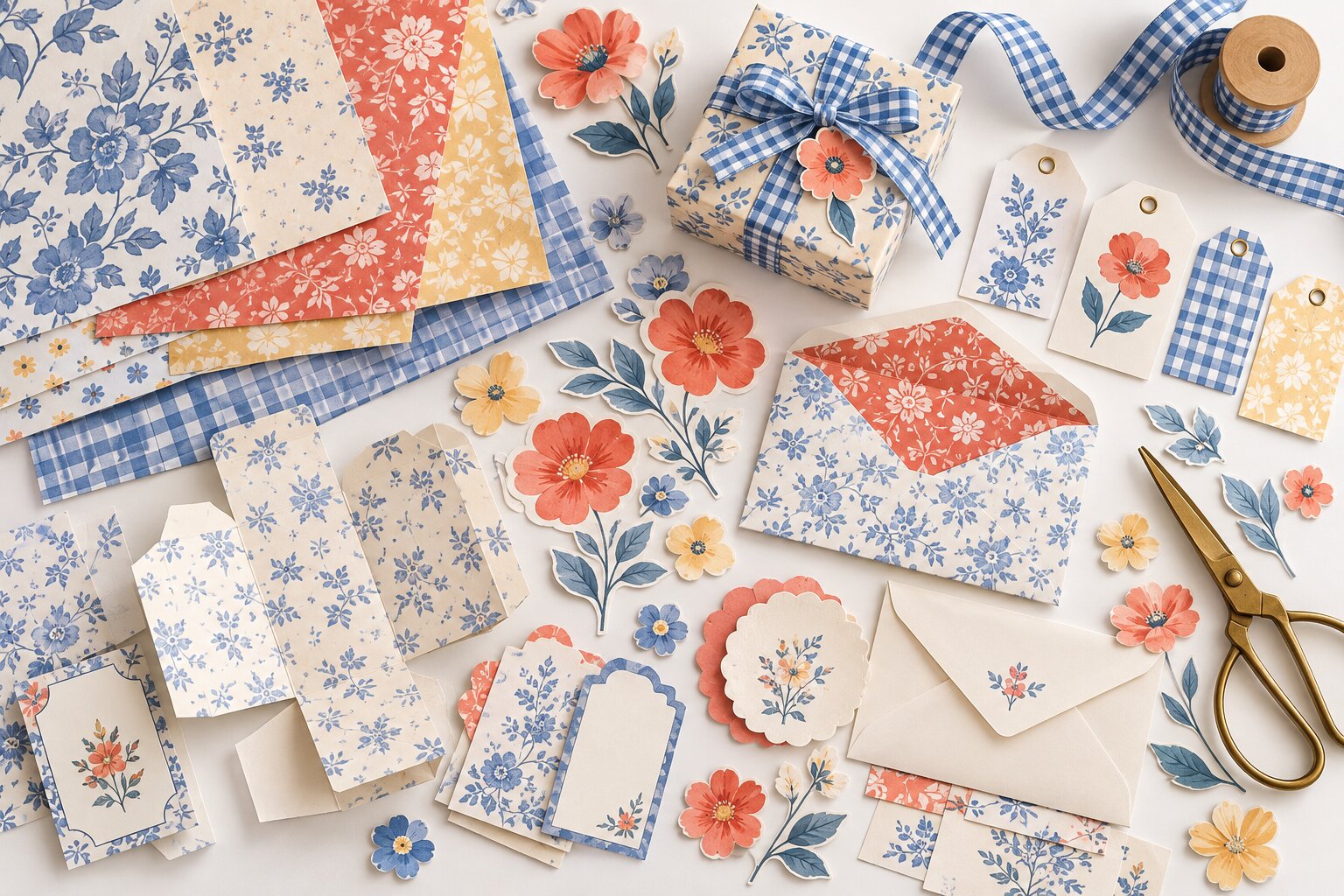
Choose a small palette of two or three colors and one or two fonts. A consistent look makes your printable feel professional and makes it easier to build a collection.
Using fonts or images without checking the license. Make sure everything you include allows commercial use if you plan to sell your printable.
Step 4: Test it yourself
Print a copy at home and fill it out as if you were the customer. Notice anything cramped, confusing, or cut off, then adjust. Ask a friend to try it and tell you what felt unclear.
A quick test
1
Print the page at actual size on regular paper.
2
Fill in every section with real examples.
3
Check that nothing is cut off at the edges.
4
Note anything that felt awkward and fix it.
Step 5: Export a clean file
Export at high quality, around 300 dpi, as a PDF suited for print. Name it clearly, such as “weekly-meal-planner-letter.pdf.” If your printable uses RGB colors, it will print well on a home printer. Commercial printers may prefer a different color profile, so check their requirements.
Add a simple instruction page
Include a short page that explains how to print, what size the file is, and how you permit the printable to be used. This reduces questions and protects your work.
Step 6: Show it off with mockups
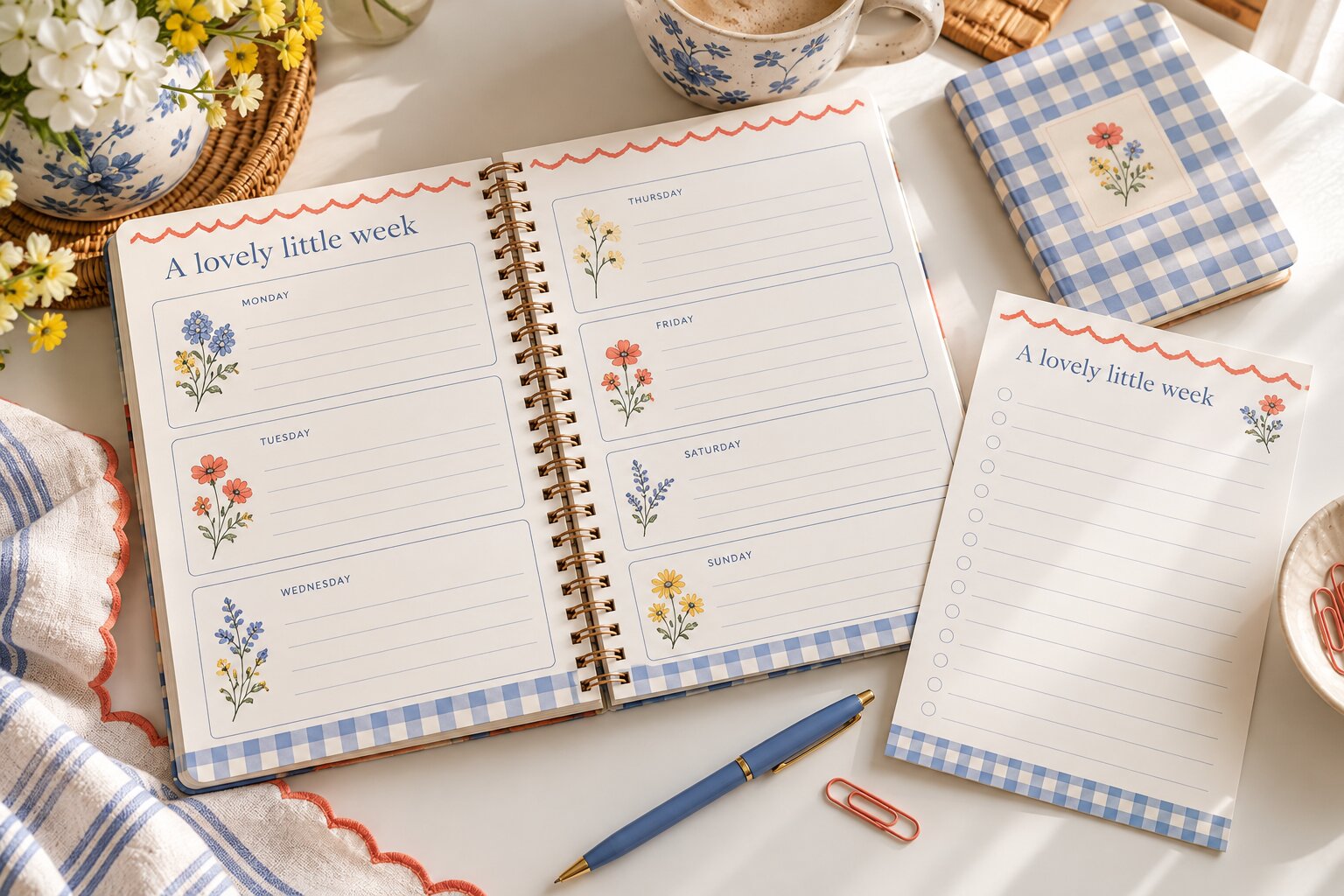
A good preview image helps people understand what they will get. Show the printable on a desk, in a binder, or on a tablet. Include a plain image of the page itself so buyers can see the layout.
Step 7: Decide how to share it
| Option | Good for |
|---|---|
| Free download | Growing your email list |
| Paid product in your shop | Earning from your work |
| Bonus with a larger product | Adding value to a bundle |
Our own Creative Notes printable is a free page, shared with readers who join the list. A simple free printable like that is a great way to introduce your work.
Step 8: Write a description that helps
Explain who the printable is for, what is included, the file format, the sizes, and how to print it. Add a clear preview image. Keep the language friendly and specific.
A note on pricing
Pricing depends on your audience, the value you provide, and the time you invested. Many creators start with a modest price and adjust as they learn. Consider offering bundles that combine related pages at a better value.
“
Your first printable does not have to be perfect. It has to be finished.
Frequently asked questions
See a finished example
Explore the shop
Browse planners, workbooks, and printables designed to be downloaded and used.
Publish your first printable, listen to feedback, and make the next one even better. Related reading: how customers open and use digital downloads and how to use a printable planner.